10 AI Coding Assistants Compared (2026): Which One Should Developers Use?

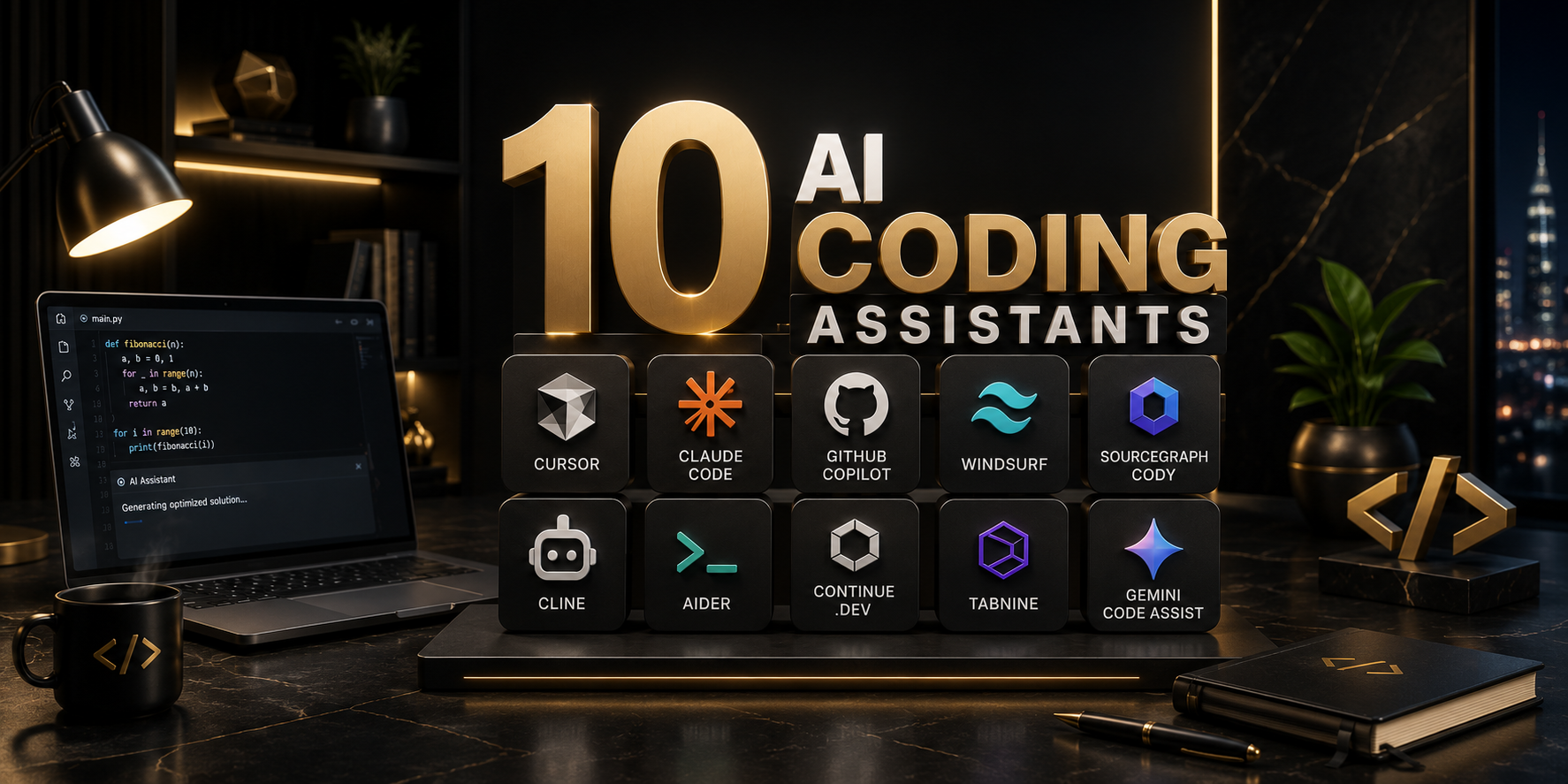
AI coding assistants stopped being a novelty a while ago. In 2026, they're a core part of the developer toolchain — the debate has shifted from "should I use one?" to "which one, for which job?" The market has also split into three distinct categories: AI-native IDEs that rebuild the editor around the model, terminal-first autonomous agents that live in your shell and work across a whole repo, and embedded copilots that quietly extend the editor you already use.
This guide compares ten of the most relevant tools in 2026 — what they're good at, where they fall short, what they cost, and who should actually use them.
Quick Comparison Table
| Tool | Category | Best For | Starting Price |
|---|---|---|---|
| Cursor | AI-native IDE | Editor-first, multi-file edits | Free / $20/mo Pro |
| Claude Code | Terminal agent | Large repos, shell-first workflows | Usage-based (API) |
| GitHub Copilot | Embedded copilot | Beginners, everyday completions | Free / $10/mo Pro |
| Windsurf | AI-native IDE | Teams wanting a Cursor alternative | Free / paid tiers |
| Sourcegraph Cody | Embedded copilot | Huge, complex codebases | Free / $9/mo Pro |
| Cline | Terminal/IDE agent | Autonomous multi-step coding tasks | Free (bring your own key) |
| Aider | Terminal agent | Open, scriptable, Git-native workflows | Free (bring your own key) |
| Continue.dev | Embedded copilot | Open-source, privacy-first setups | Free / self-hosted |
| Tabnine | Embedded copilot | Regulated, security-conscious teams | Free / paid tiers |
| Gemini Code Assist | Embedded copilot | Google Cloud-centric teams | Free tier / paid tiers |
A note before diving in: pricing on these tools changes often, and several vendors (Cursor especially) have moved toward usage-based billing with credit pools rather than flat "requests per month" caps. Treat the prices below as a snapshot and always check the vendor's pricing page before committing.
1. Cursor
Cursor is a fork of VS Code rebuilt around AI from the ground up, rather than an extension bolted onto an existing editor. Because it's a fork, you can bring over your existing extensions, keybindings, and settings, so the move from VS Code tends to feel smooth rather than disruptive.
What it's good at: Cursor's core strength is multi-file editing — its "Composer" and Agent modes can understand a task that spans several files and make coordinated changes across all of them, rather than working file-by-file. It's become the default pick for developers who want to stay in a familiar editor UI while getting deep AI integration into autocomplete, chat, and agentic edits.
Where it falls short: Cursor's pricing has become genuinely complicated. What used to be a simple free/Pro/Business split is now a layered system involving a base plan, first-party model usage credits, third-party API usage credits, and on-demand billing once you exceed your pool. Heavy users can end up paying significantly more than the sticker price if they're not watching usage. Cursor's mid-2026 pricing update introduced a higher "Premium" seat tier specifically to address this for teams running agents constantly.
Pricing (as of mid-2026): Free (Hobby) tier with limited Agent requests and Tab completions; Pro around $20/month; higher Pro+/Ultra tiers scaling up to roughly $200/month for heavy individual use; Teams Standard at $40/user/month with a $120/user/month Premium tier for heavy agent users.
Best for: Developers who want an editor-first workflow with strong multi-file agentic editing and are comfortable monitoring usage-based costs.
2. Claude Code
Claude Code is Anthropic's terminal-first coding agent. Instead of living inside an editor, it runs from the command line and works directly against your shell, Git history, and file system — which makes it a natural fit for developers who think in terms of scripts, pipelines, and repo-wide operations rather than clicking through an IDE.
What it's good at: Claude Code's standout feature is context handling — it supports very large context windows, which lets it reason across large repositories without losing track of how files relate to each other. It has also led public benchmarks like SWE-bench Verified, reporting scores in the neighborhood of 80% on real-world software engineering tasks, which is a meaningful signal for how well it handles genuine bug fixes and feature implementation rather than toy problems.
Where it falls short: Because it's usage-billed rather than a flat subscription, cost can be harder to predict, especially for developers who run it continuously in the background across long sessions. Rate limits introduced to manage this kind of always-on usage have occasionally caught developers off guard mid-task.
Pricing: Usage-based, billed through the Claude API or bundled into Claude subscription plans depending on how it's accessed. There's no flat "$X/month unlimited" tier — cost scales with how much you actually use it.
Best for: Developers who prefer the terminal, are working in large or unfamiliar codebases, and want an agent that can reason across an entire repo rather than a handful of open files.
3. GitHub Copilot
Copilot remains the most widely adopted AI coding tool, largely because it doesn't ask anything of you. Install the extension in VS Code, JetBrains, Visual Studio, or even Vim, and you immediately get inline completions, a chat panel, multi-file edits, and an agent mode that can take on entire features or draft pull requests — all without changing your editor or workflow.
What it's good at: Frictionless adoption. There's no new interface to learn, no editor migration, and the free tier (roughly 2,000 completions and 50 chat/agent requests per month) is genuinely usable for casual or student developers. It's trained on an enormous volume of public code, which makes its everyday completions reliably solid for common patterns.
Where it falls short: Copilot tends to lag behind Cursor and Claude Code on complex, multi-step agentic tasks — it's stronger as a "smart autocomplete plus chat" tool than as a fully autonomous coding agent for large refactors.
Pricing: Free tier available; Pro around $10/month for individuals, roughly $19/month for business plans, and free for verified students.
Best for: Beginners, students, and any developer who wants strong AI assistance without changing their existing editor or workflow.
4. Windsurf
Windsurf (formerly Codeium's IDE product) is one of Cursor's closest competitors, following a similar "AI-native IDE" model. It positions itself as a more approachable, often more affordably priced alternative for teams that want the Cursor-style experience without Cursor's increasingly complex billing.
What it's good at: Windsurf emphasizes a clean, cohesive agent experience with strong multi-file editing and a focus on keeping the AI genuinely aware of the broader codebase context, not just the open tab. Its pricing has generally been positioned as simpler and more predictable than Cursor's.
Where it falls short: As a smaller player relative to Cursor and Copilot, its ecosystem (extensions, community plugins, third-party integrations) is less mature, and it's still catching up in raw benchmark performance on some agentic coding tasks.
Pricing: Free tier available, with paid tiers priced competitively against Cursor.
Best for: Teams that want an AI-native IDE experience similar to Cursor but prefer simpler, more predictable pricing.
5. Sourcegraph Cody
Cody comes from Sourcegraph, a company that built its name on code search at scale — and that DNA shows. Cody is built around "code graph" technology designed to understand how every piece of a large codebase connects to every other piece, rather than just retrieving text snippets that look similar to your query.
What it's good at: Navigating and querying genuinely huge codebases. In real-world testing, Cody has been able to correctly identify dozens of specific issues (like API endpoints missing rate limiting) across a 500,000-line monorepo in under 30 seconds — a task that plays directly to its code-graph strength rather than pure code generation.
Where it falls short: The free tier is limited, and Cody is more of a code-understanding and chat tool than a full autonomous coding agent — it's not the first choice if your priority is having AI write large chunks of new code unsupervised.
Pricing: Free tier (limited); Pro around $9/month; Enterprise pricing available for larger teams.
Best for: Teams working in very large, complex, or legacy monorepos who need an assistant that understands codebase structure deeply, not just syntax.
6. Cline
Cline is an open-source, autonomous coding agent that runs as an extension inside VS Code or JetBrains, but behaves more like a fully agentic assistant than a typical inline-completion tool. It's model-agnostic, meaning you can point it at whichever LLM provider (or local model) you prefer.
What it's good at: Autonomy combined with transparency. Cline is designed to plan out multi-step tasks, execute them, and show its reasoning and file changes along the way, rather than working as a black box. Because it's open source and model-agnostic, teams with strict data or vendor requirements can route it through their own approved model provider.
Where it falls short: Being open source and DIY-friendly comes with a tradeoff — you're responsible for supplying and paying for your own API access, and the overall experience is less polished than a fully packaged product like Cursor or Copilot.
Pricing: Free (open source); you pay only for the underlying model API usage you configure.
Best for: Developers and teams that want an autonomous agent but need full control over which model it runs on and how data flows.
7. Aider
Aider is a terminal-first, open-source AI pair programmer that works directly with Git. It's built around the idea that AI-assisted coding should be scriptable, transparent, and tightly integrated with version control rather than living inside a proprietary editor.
What it's good at: Git-native workflows. Aider automatically commits changes with sensible messages as it works, which makes its edits easy to review, diff, and roll back — a meaningful advantage for developers who care about a clean commit history. It's also fully open source and works with your own API key, so there's no vendor lock-in.
Where it falls short: No GUI, no visual diffing beyond the terminal, and no built-in agent orchestration for very long, complex multi-step tasks — it's better suited to focused, well-scoped edits than sprawling autonomous refactors.
Pricing: Free (open source); costs are limited to your own API usage.
Best for: Developers who want a lightweight, transparent, Git-integrated AI pairing tool without adopting an entire new IDE.
8. Continue.dev
Continue is an open-source AI code assistant that installs as an extension into VS Code or JetBrains — essentially an open-source alternative to Cursor that lets you bring your own model rather than being locked into one vendor's stack.
What it's good at: Full transparency and control. Because it's open source, there's no vendor lock-in, and being model-agnostic means teams can route requests through whichever provider (cloud or local) fits their privacy and compliance requirements. It supports tab autocomplete, context-aware chat, and slash commands, all inside your existing editor.
Where it falls short: The editing experience has more rough edges than a polished commercial product like Cursor — expect a bit more manual configuration to get it running the way you want.
Pricing: Free (open source); costs depend on which model provider you connect.
Best for: Privacy-conscious teams and developers who want complete control over their AI stack without switching editors.
9. Tabnine
Tabnine has positioned itself squarely around enterprise security and compliance rather than chasing the most autonomous agent capabilities. It's built for teams where code privacy, on-premises deployment, and audit requirements are non-negotiable.
What it's good at: Regulated environments. Tabnine offers strong on-premises and private deployment options, giving security-conscious organizations a way to get AI-assisted coding without sending proprietary code to a third-party cloud. It integrates cleanly across major IDEs.
Where it falls short: It generally trails the AI-native IDEs and terminal agents on raw agentic capability — it's a safer choice, not necessarily the most powerful one for complex autonomous tasks.
Pricing: Free tier available; paid tiers scale up for enterprise deployment and support.
Best for: Regulated industries (finance, healthcare, government contractors) where data control matters more than bleeding-edge agent autonomy.
10. Gemini Code Assist
Google's entry integrates directly with VS Code and Google Cloud, and it's the natural pick for teams already standardized on Google's cloud ecosystem.
What it's good at: Deep integration with Google Cloud services, which matters if your infrastructure, deployment pipeline, and data already live there. It also offers a genuinely usable free tier, making it a reasonable no-cost alternative to paid tools for individual developers.
Where it falls short: Outside of the Google Cloud ecosystem, it doesn't offer a strong differentiator over Copilot or Cursor, and its agentic capabilities are less mature than the terminal-first specialists.
Pricing: Free tier available; paid tiers for expanded usage and enterprise features.
Best for: Developers and teams already built around Google Cloud who want assistant functionality without adopting a separate vendor relationship.
So, Which One Should You Actually Use?
There's no single winner here — the right tool depends on where you spend your day and how much autonomy you want to hand over.
- Editor-first developer who wants strong multi-file AI edits: Cursor.
- Terminal-first developer working in large or unfamiliar repos: Claude Code.
- Want the easiest possible start with zero workflow change: GitHub Copilot.
- Want a Cursor-like experience with simpler pricing: Windsurf.
- Working in a massive, complex monorepo: Sourcegraph Cody.
- Want a fully autonomous agent but need model flexibility: Cline.
- Want a lightweight, Git-native pairing tool: Aider.
- Want complete open-source control with no vendor lock-in: Continue.dev.
- Working in a regulated industry with strict data policies: Tabnine.
- Already standardized on Google Cloud: Gemini Code Assist.
A pattern worth noting: many professional developers in 2026 aren't picking just one. The common setup is a two-tool stack — an IDE-based assistant like Cursor or Copilot for daily, in-editor work, paired with a terminal agent like Claude Code for larger, repo-wide tasks that benefit from bigger context windows and more autonomous execution. Rather than searching for a single "best" tool, it's often more productive to test your top two candidates against a real repository you actually ship — workflow fit matters more than any benchmark score.
Pricing and feature details for AI tools change frequently — always confirm current numbers on the vendor's official pricing page before making a purchasing decision.